Xây dựng SaaS với Astro và StudioCMS
Hướng dẫn toàn diện về việc xây dựng ứng dụng SaaS sử dụng Astro cho frontend và StudioCMS để quản lý nội dung.
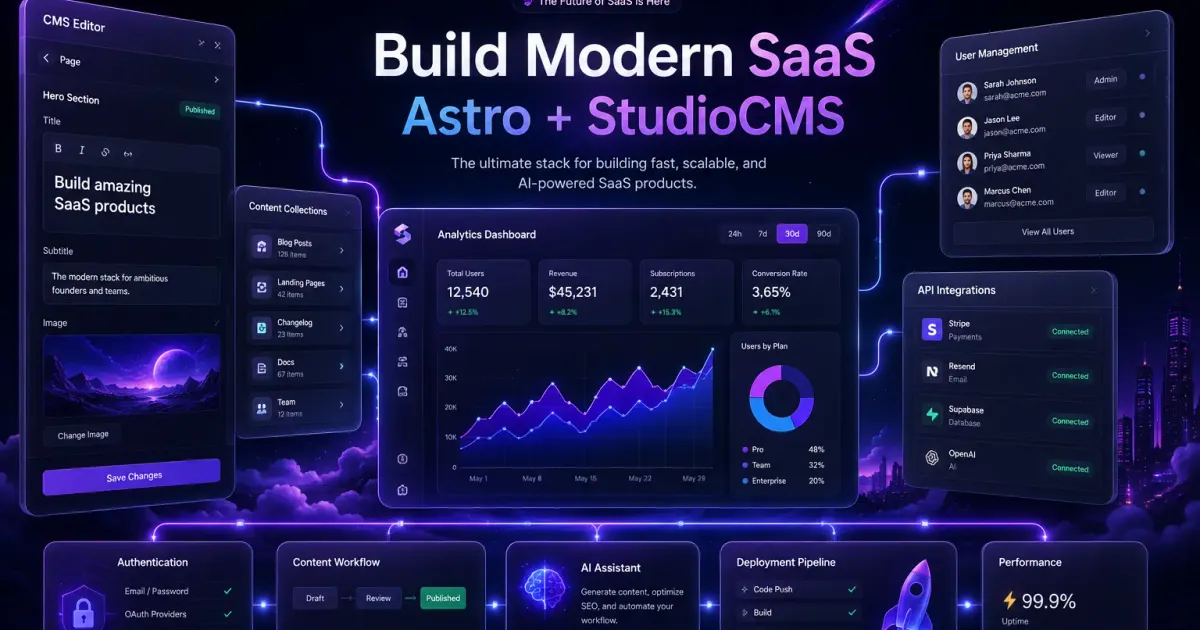
Trong hướng dẫn này, chúng ta sẽ đi qua việc xây dựng một ứng dụng SaaS production-ready sử dụng Astro cho frontend và StudioCMS để quản lý nội dung.
Tại sao nên dùng Astro + StudioCMS?
Astro1 cung cấp hiệu năng xuất sắc với cách tiếp cận server-first, trong khi StudioCMS2 cung cấp hệ thống quản lý nội dung mạnh mẽ được xây dựng riêng cho Astro.
Setup Project
Bắt đầu bằng việc tạo project Astro mới:
npm create astro@latest my-saas-appcd my-saas-appCài đặt StudioCMS:
npm install studiocms @astrojs/db @astrojs/nodeCấu hình
Thiết lập astro.config.mjs:
import { defineConfig } from 'astro/config'import db from '@astrojs/db'import node from '@astrojs/node'import studioCMS from 'studiocms'
export default defineConfig({  site: 'https://my-saas-app.com',  output: 'server',  adapter: node({ mode: 'standalone' }),  integrations: [db(), studioCMS()],})
Content Collections
Định nghĩa content schema trong src/content.config.ts:
import { defineCollection } from 'astro:content'import { glob } from 'astro/loaders'import { z } from 'astro/zod'
const posts = defineCollection({  loader: glob({ pattern: '**/*.md', base: './src/content/posts' }),  schema: z.object({    title: z.string(),    slug: z.string(),    excerpt: z.string(),    publishedAt: z.coerce.date(),    tags: z.array(z.string()),    category: z.string(),  }),})
export const collections = { posts }
Implement SEO
Tạo một component SEO có thể tái sử dụng để đảm bảo meta tags nhất quán trên tất cả các trang:
---interface Props {  title: string  description: string  image?: string}
const { title, description, image } = Astro.props---
<title>{title}</title><meta name="description" content={description} /><meta property="og:title" content={title} /><meta property="og:description" content={description} />{image && <meta property="og:image" content={image} />}
RSS Feed
Thêm RSS feed sử dụng @astrojs/rss:
import rss from '@astrojs/rss'import { getCollection } from 'astro:content'
export async function GET(context: { site: URL }) {  const posts = await getCollection('posts')
  return rss({    title: 'My SaaS Blog',    description: 'Latest updates and tutorials',    site: context.site,    items: posts.map((post) => ({      title: post.data.title,      pubDate: post.data.publishedAt,      description: post.data.excerpt,      link: `/blog/${post.data.slug}/`,    })),  })}
Search với Fuse.js
Implement client-side search sử dụng Fuse.js:
import Fuse from 'fuse.js'
interface PostData {  title: string  excerpt: string  tags: string[]  slug: string}
export function createSearchIndex(posts: PostData[]) {  return new Fuse(posts, {    keys: ['title', 'excerpt', 'tags'],    threshold: 0.3,  })}
Kết luận
Với Astro và StudioCMS, bạn có thể xây dựng một ứng dụng SaaS hiệu năng cao, scalable với khả năng quản lý nội dung xuất sắc. Sự kết hợp giữa static-first rendering và server-side capabilities mang lại cho bạn điều tốt nhất của cả hai thế giới.
Footnotes
HỎI ĐÁP / Q&A
Câu hỏi thường gặp
Một vài giải đáp thực tế giúp bạn áp dụng nội dung trong bài viết.
Khi nào Astro phù hợp với frontend SaaS?
Astro phù hợp khi sản phẩm nhiều nội dung, cần hiệu năng tốt hoặc chỉ có một phần nhỏ cần tương tác phía trình duyệt.
StudioCMS đảm nhiệm vai trò gì trong cấu trúc này?
StudioCMS cung cấp lớp quản lý nội dung, còn Astro tập trung render trải nghiệm công khai cho người dùng.